
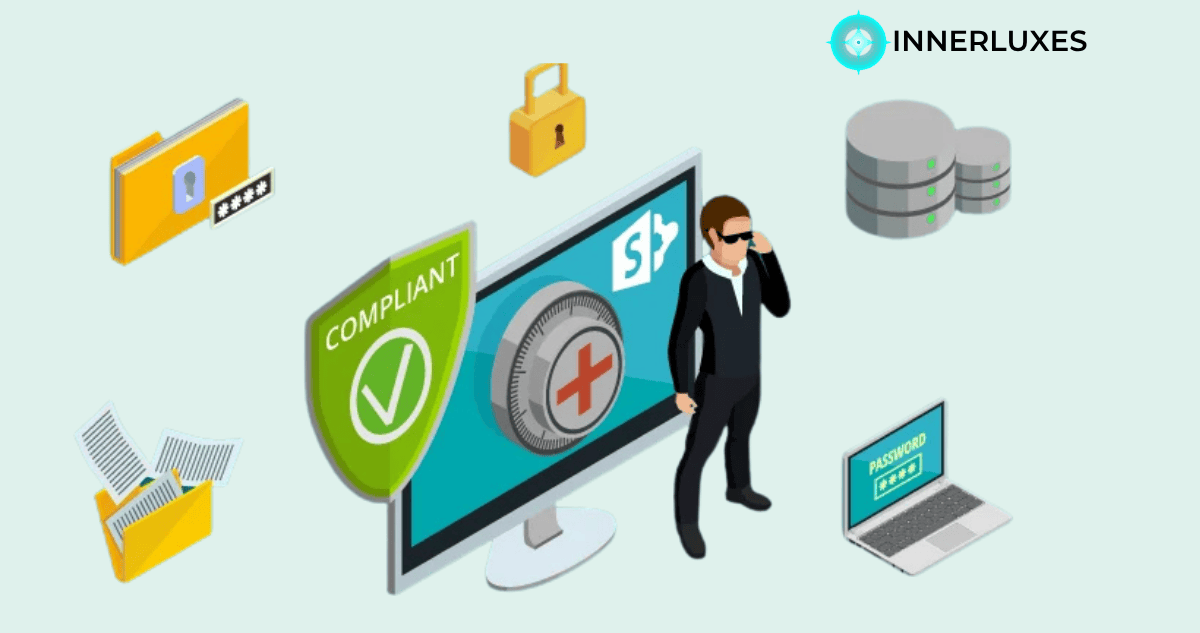
Editor's Note: SharePoint is powerful, but compliance is never automatic. It depends on how you use it, not just what it offers. This article shares a practical, honest view so you can make informed decisions.
You’ve probably asked yourself, is sharepoint hipaa compliant and whether it’s safe for handling sensitive healthcare data. It’s a valid concern, especially when patient trust and legal obligations are on the line. The short answer isn’t simply yes or no — it depends on how you configure and manage it.
SharePoint, as part of Microsoft 365, offers strong security features. But compliance isn’t built-in by default. You need the right setup, policies, and ongoing monitoring. Let’s break it down so you can clearly understand what works and what needs attention.
Understanding SharePoint and HIPAA Compliance
HIPAA compliance is about protecting PHI (Protected Health Information). This includes data security, access control, and proper handling of sensitive information. SharePoint provides tools that can help meet these requirements, but it does not guarantee compliance on its own.
Microsoft offers a Business Associate Agreement (BAA), which is a key requirement for HIPAA. Without this agreement, you cannot legally store PHI on SharePoint. Once that is in place, you can start building a compliant environment.
It’s important to understand that compliance is a shared responsibility. Microsoft secures the infrastructure, but you are responsible for how data is stored, shared, and accessed.
Key Security Features That Support Compliance
SharePoint includes several built-in features that align with HIPAA safeguards. When used correctly, these features can significantly reduce risks.
- Data encryption protects files both at rest and in transit
- Access controls limit who can view or edit sensitive data
- Audit logs track user activity for accountability
These features create a strong foundation, but they only work if configured properly. Simply having them available is not enough.
Common Mistakes That Break Compliance
Many organizations assume that using SharePoint automatically makes them compliant. This is where problems begin. Small misconfigurations can lead to serious risks.
One common issue is over-permissioned access. If too many users can view sensitive files, you increase the chance of data exposure. Another mistake is not using multi-factor authentication, which leaves accounts vulnerable.
Lack of monitoring is also a major concern. If you don’t regularly review logs and activity, you may not even know when a breach happens. Compliance requires constant attention, not a one-time setup.
Best Practices for Using SharePoint in Healthcare
If you want to safely use SharePoint for healthcare data, you need a structured approach. It’s not complicated, but it does require discipline.
Start by enabling strict access controls. Only give permissions to people who truly need them. Use data loss prevention (DLP) policies to prevent accidental sharing of sensitive information.
You should also train your team. Even the best system can fail if users don’t follow proper practices. Make sure everyone understands how to handle PHI securely.
Finally, perform regular audits. This helps you catch issues early and stay aligned with compliance requirements.
Frequently Asked Questions
No, compliance depends on proper setup, policies, and usage.
Yes, a Business Associate Agreement is required to store PHI.
Yes, if properly configured and secured under HIPAA guidelines.
Microsoft shares responsibility, but you control data handling.
Yes, it provides encryption for data at rest and in transit.
Improper access control and human error are major risks.
Yes, with correct configuration and proper security practices.
Regularly, ideally with ongoing monitoring and periodic audits.
Summary
SharePoint can support HIPAA compliance, but it’s not automatic. You need the right setup, policies, and ongoing attention to keep data secure. Think of it as a powerful tool — effective only when used correctly. If you take the time to configure it properly and train your team, it can be a reliable solution for handling sensitive healthcare information.
Have a question? Ask our experts!
Our team is ready to help you build something great.
Let's Talk →Explore Our Services at INNERLUXES